Note
Ce retour d'expérience reflète une situation observée le 13 juillet 2026. Le comportement du connecteur pourra évoluer si OpenAI fait évoluer son intégration GitHub.
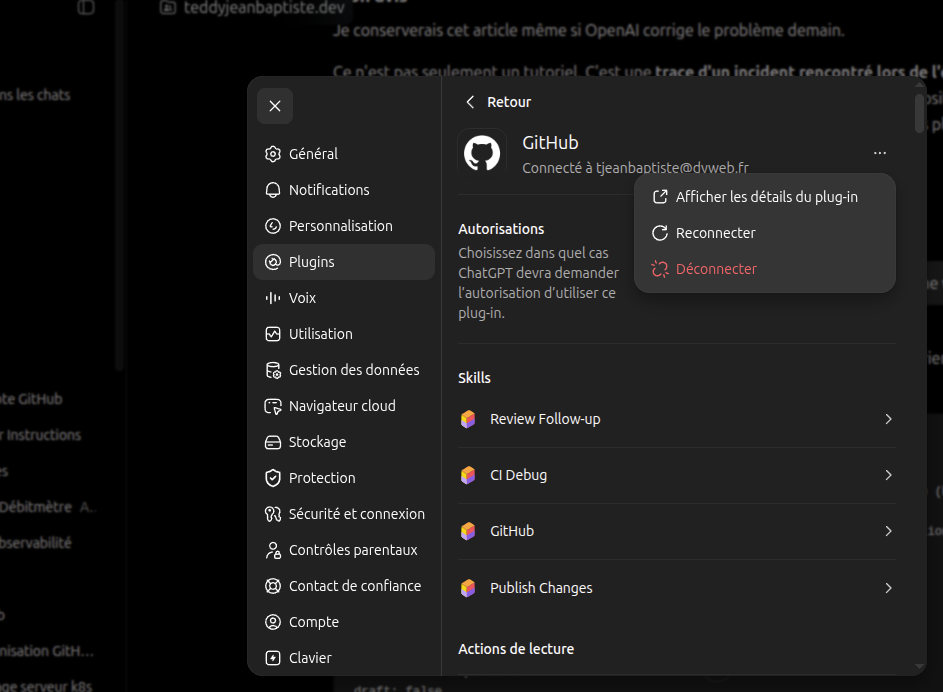
J'ai récemment rencontré un problème inattendu en souhaitant connecter une nouvelle organisation GitHub au ChatGPT Codex Connector.
Le dysfonctionnement sera probablement corrigé à terme, mais je souhaite documenter cette situation. Ce type d'incident illustre bien ce qui peut arriver lorsqu'un produit évolue rapidement.
Le contexte
Je souhaitais autoriser Codex à accéder à un dépôt appartenant à une nouvelle organisation GitHub.
Au même moment, le connecteur GitHub de ChatGPT évoluait vers le nouveau ChatGPT Codex Connector.
Impossible de dire si les deux événements étaient directement liés. En revanche, le constat était simple : l'ajout de l'organisation depuis l'interface ChatGPT ne fonctionnait pas.
Sans cette autorisation, Codex ne pouvait évidemment pas accéder au dépôt concerné.
Le contournement
Plutôt que d'insister côté ChatGPT, j'ai repris le processus depuis GitHub.
Les autorisations étant gérées par les GitHub Apps, il est possible d'autoriser directement l'application depuis GitHub, sans passer par l'interface de ChatGPT.
La procédure est simple :
- Ouvrir les paramètres de l'organisation GitHub.
- Accéder à GitHub Apps.
- Installer ou autoriser le ChatGPT Codex Connector.
- Sélectionner les dépôts à rendre accessibles.
Dans mon cas, cette procédure a immédiatement résolu le problème.
Lien direct :
https://github.com/apps/chatgpt-codex-connector/installations/select_target
Ce que j'en retiens
Ce retour d'expérience rappelle un principe utile.
Lorsqu'un flux d'autorisation semble bloqué dans une application tierce, cela ne signifie pas forcément que le service sous-jacent est indisponible.
Dans ce cas précis, l'interface de ChatGPT semblait ne plus permettre correctement l'ajout d'une organisation. En revanche, GitHub continuait à gérer normalement les autorisations de son GitHub App.
Avant de conclure qu'un connecteur est défaillant, il peut donc être intéressant de vérifier si le fournisseur d'identité ou la plateforme d'origine permet de reprendre la main.
C'est exactement ce qui m'a permis de débloquer la situation.
En résumé
Si le ChatGPT Codex Connector ne permet pas d'ajouter une organisation GitHub, essayez de réaliser l'autorisation directement depuis GitHub via les GitHub Apps. Même si l'interface de ChatGPT évolue, la gestion des permissions côté GitHub reste généralement opérationnelle.